Upgrading PrestaShop 1.7 to 8 and 9
Your store still runs on PrestaShop 1.7, which nobody patches any more, and you don’t know what an upgrade will break. I find out on a copy of the store first, then move the live one in two planned steps: 1.7 to 8.2, then 8.2 to 9.
Within two working days you get a plan and a price.
Or start with a free audit →What the upgrade involves
- An audit before anything changes.PrestaShop and PHP versions, the theme, every non-native module with its version and author, and every file in
override/. Anything that touches payments, shipping, invoices, ERP exports or URLs gets marked first. - A staging copy with the real database.On the same PHP version as production. The full upgrade runs there first, and I read the PHP error log, not just the pages: notices nobody saw on PHP 7.4 are errors on PHP 8.
- Two steps, not one.No PHP version runs both PrestaShop 1.7.8 and 9. So the store goes from 1.7.8 on PHP 7.4 to 8.2, the server moves to PHP 8.1 or newer, and only then from 8.2 to 9. In between, the store sells as usual.
- Modules, overrides and the theme.Custom modules searched for what the new version removed. Authors of bought modules asked which version supports PrestaShop 8 or 9. Overrides listed, so the right ones are back on after the switch.
- Testing what earns money.An order with each payment method and each carrier, an order with a discount, the invoice PDF, the customer e-mails, the ERP or accounting export, and a sample of product, category and CMS URLs, which must not change.
- The switch, and the clean-up after it.The live upgrade at a quiet hour, hook registrations compared with staging, and the Update Assistant backup deleted. It holds your database password and your customers’ data.
Where I have done it
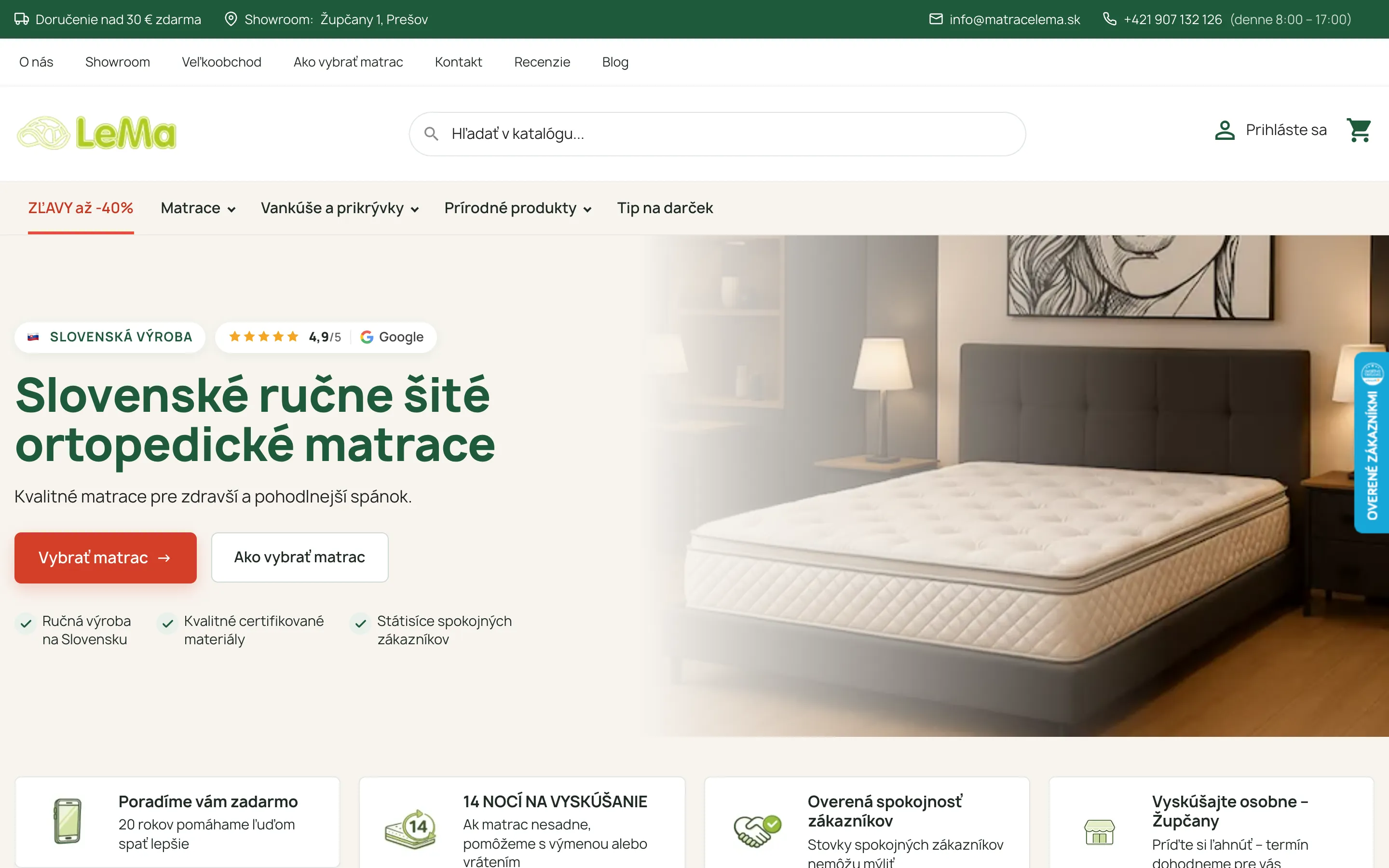
E-shop, PrestaShop 8
Matrace Lema
PrestaShop 1.7.8 → 8.2.3, including the database migration with the official Update Assistant. Then a lean child of the classic theme in place of the bought one, and mobile PageSpeed from about 40 to over 90. 38 custom modules and ERP sync. Looked after since 2023.
40→90+ mobile PageSpeed after the performance work
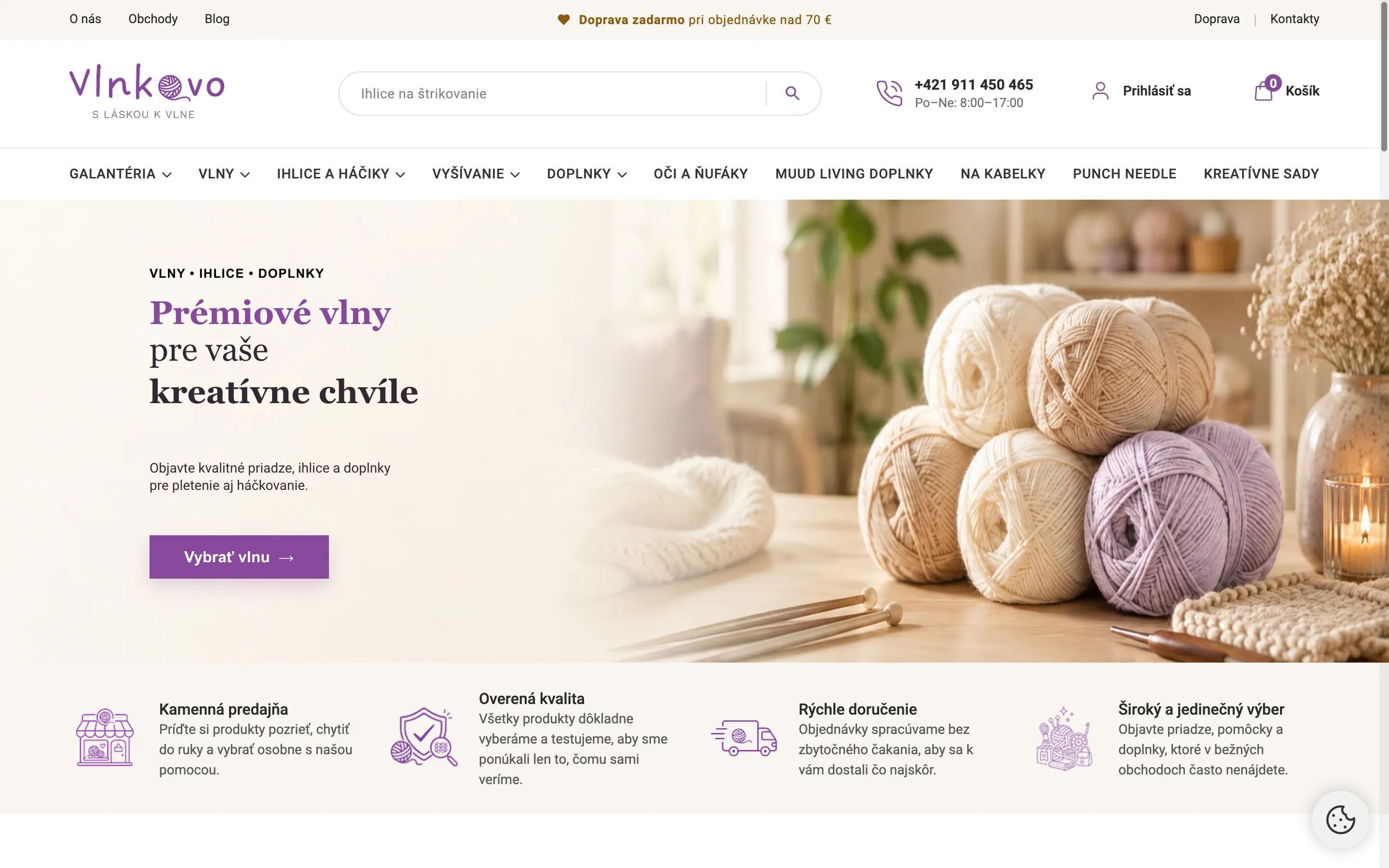
E-shop, PrestaShop 9
Vlnkovo
A store on PrestaShop 9.1. This is where I learned that overrides do nothing on 9 until the class index is cleared, and that a module shipping its own <code>vendor</code> folder can take down the back office.
605 old URLs redirected and tested before launch

E-shop, PrestaShop 8
Ellevani
PrestaShop 8.2 with a custom child theme and in-house modules.
How to start
- Send me the store’s address, the PrestaShop version and, if you have it, the list of modules.
- I go through the modules, theme and overrides and tell you what needs updating, replacing or dropping. The first estimate is free.
- A fixed price for the upgrade, then the work on a staging copy you can click through yourself. Invoiced from the EU with VAT reverse charge for business clients.
- The live switch at a time we agree on.
Rate
From €70 per hour. An upgrade is a fixed price, set once I have seen the modules, theme and overrides. The first estimate is free.
Remote, across Europe
I work from Slovakia, in the CET time zone, in English or Slovak. PrestaShop is at its strongest in Europe, and I know the European side of it: VAT reverse charge, EU consumer rules on withdrawals and reviews, and local carriers and payment gateways. Working hours overlap fully with the rest of Europe and the UK.
Questions
Can I upgrade PrestaShop 1.7 straight to 9?
Is it still safe to stay on 1.7?
Will my theme work after the upgrade?
Will my modules keep working?
Will the store be down during the upgrade?
How long does it take and what does it cost?
Also
Send an enquiry
Within two working days you get a plan and a price.
A few lines about what you need are enough. I reply with a concrete proposal and an estimate, not a template. Hiring for your team? Write too, in English or Slovak.
- A reply within two working days
- First proposal and estimate for free
- No commitment and no sales calls
Rather directly?hello@pavolrasev.com+421 915 583 341LinkedIn